Your studio
just hired itself.
SceneSmith is not just a generator. It is planning, models, collaboration, creator tools, brand workflows, and social distribution under one roof.
Not another generator. A production stack.
SceneSmith plans the project, routes the right model, organizes the assets, lets teams work together, and turns the final output into creator or brand-ready campaign formats.
AI production planning
Turn a brief into scenes, shot lists, cast, locations, timing, and model choices before credits are spent.
Social network and community
Creators can discover work, connect, publish, remix, and build an audience around finished productions.
Co-working workspace
Teams can plan, review, organize, and hand off assets in one shared production room.
Creator tools
Voice, music, captions, style presets, live capture, and timeline editing are built into the same loop.
Brand tools
Campaign briefs, brand kits, product content, review flows, and repeatable output formats for teams.
Project organization
Keep references, shots, audio, generated clips, campaign variants, and exports tied to the project.
Video, image, and campaign workflows
Move from concept boards to images, clips, edits, social cuts, and brand campaigns without switching tools.
A live take can become a finished asset.
The old vendor stream read like an external ad. This local demo block frames the capability in SceneSmith terms: preview the transformation, record a take, organize it in the asset library, then cut it into a real campaign or creator project.

Same performance. New world.
Swap the setting, mood, wardrobe language, and grade while keeping the subject and motion readable.
Open your camera
Browser asks for webcam access. WebRTC streams frames straight to Decart — your raw feed never touches our servers.
Describe the treatment
Type a style, wardrobe, world, or campaign direction. The live preview becomes a usable production asset.
Preview the transformed take
Keep the human performance visible while the environment, lighting, wardrobe, or texture language changes.
Record + drop into a project
Hit Record while it streams. The output saves to your Asset Library as a clip you can splice into any shot.
Background, surfaces, weather, lighting — change everything around the subject in one prompt.
Try on outfits, swap hats, remove helmets. Cloth folds and topology resolve themselves.
"Add rain", "make it golden hour", "make it anime" - previewed in the same production flow.
Recorded clips drop into your Asset Library and can be used in any project.
Local sample assets replace the external ad-style stream.
Pick the engine that fits the job.
Cinematic realism, social ads, anime, documentary texture, product reveals, music videos, creator posts, and brand campaigns all need different model behavior. SceneSmith exposes the choice without making the workflow feel technical.
“A neon-drenched city street at dusk, slow dolly-in. Cinematic, high contrast.”
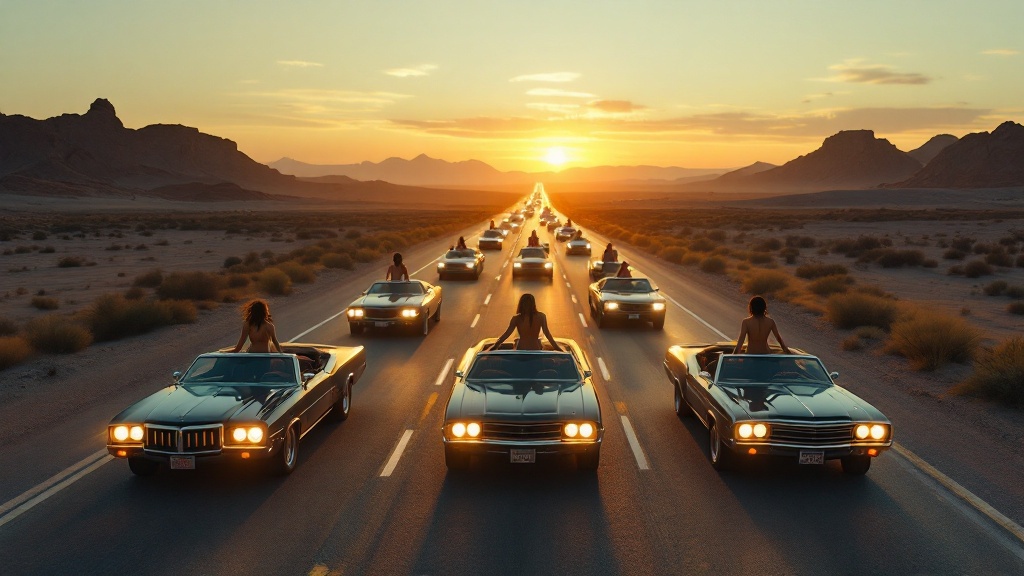
Cinematic video
Flagship realism, character continuity, story scenes, and premium hero shots.
Social ads
Fast motion, feed-ready cuts, hooks, captions, and campaign variants.
Anime
Stylized animation, character-forward worlds, and creator-led formats.
Documentary
Grounded texture, natural camera language, archival tone, and explainer scenes.
Product content
Object motion, macro details, glossy reveals, and ecommerce-ready variants.
Music video
Performance coverage, beat-synced movement, stylized lighting, and artist identity.
Creator content
Quick iteration, low-cost testing, shorts, creator explainers, and daily output.
Brand campaigns
Consistent visual systems, product stories, launch kits, and multi-format campaigns.
Simple plans. Credits that map to real production.
Start free, then move into a monthly plan when the workflow is part of your calendar. Pricing stays on this page so visitors can compare without leaving the story.
Credits cover video, image, voice, sound, and campaign generation. Lighter models go further; premium cinematic models spend more.
- 25 trial credits to try once
- Starter models at 720p
- Project planner and editor access
- Watermarked exports
- 290 credits/mo · use daily
- All 18 video models · 4K export
- Voice, captions, and brand presets
- No watermark
- 990 credits/mo · use daily
- Team seats and shared workspace
- Brand portal, priority queue, API access
- Continuity guard for series
Build the whole production, not just a clip.
Plan it, generate it, organize it, collaborate on it, and publish the campaign from one AI production system.